
This can happen if a project closes unexpectedly or if it is still open on another PC / server.
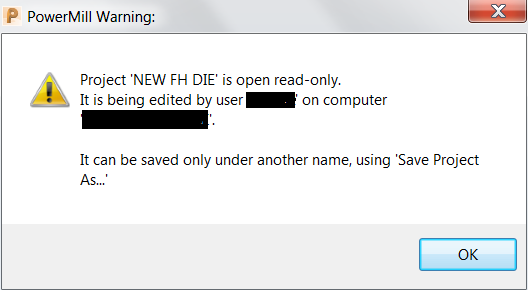
Solution:
If saving under a different name is undesirable, confirm that the project is the only version open and then do the following:- Select the HOME tab.
- Open the command window by selecting ECHO COMMANDS.
- In the command window,type: project claim.
- Press ENTER followed by YES to claim the project .
- The user can now save their project.

No comments:
Post a Comment