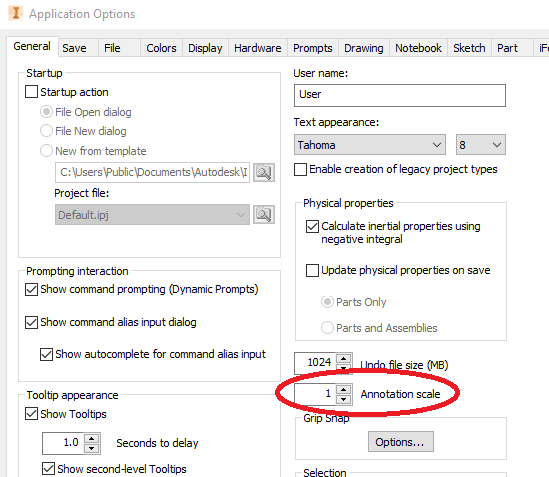
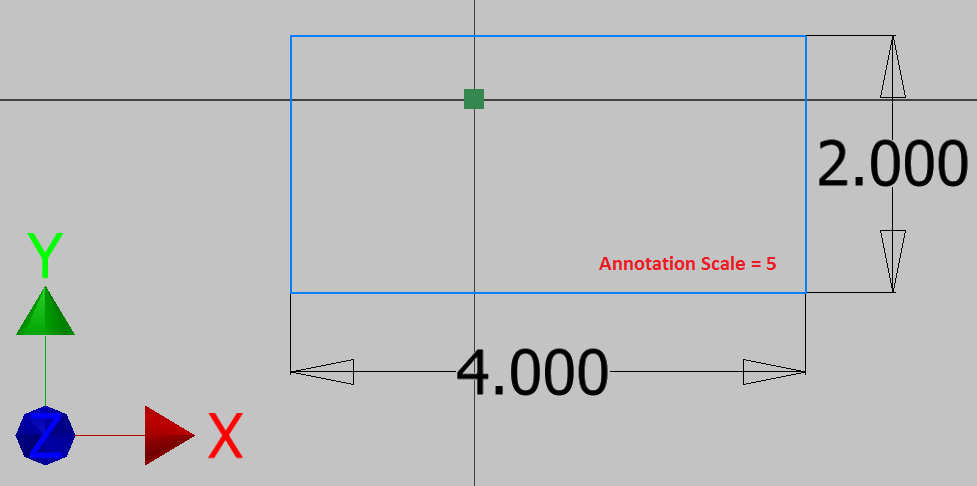
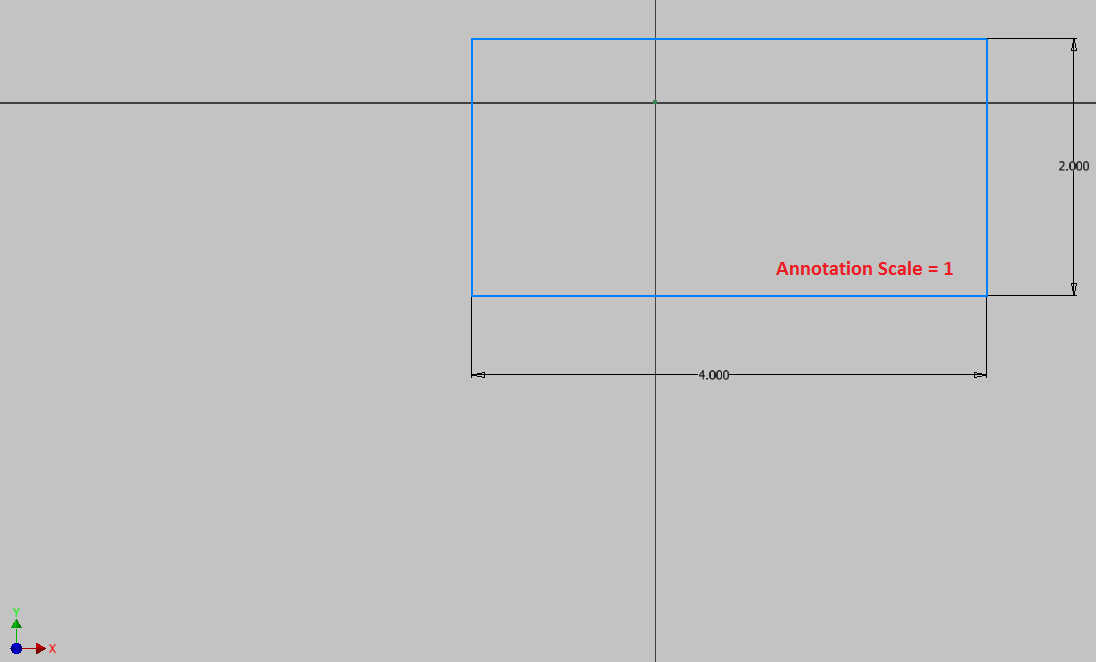
I am not getting any younger so my eyes deteriorate just a little every day. Hopefully your vision is better than mine. If not, you may want to use a larger Annotation Scale in Inventor. This sets the size of dimension text, arrowheads and other symbols. The default value is 1, but the scale can be set from 0.2 to 5.0. Look how big the dimensions and the UCS are when the scale is set to 5!! It makes me feel like I am using binoculars!
Access: TOOLS (tab) – OPTIONS (panel) - APPLICATION OPTIONS (command) – GENERAL (tab) – Annotation Scale


No comments:
Post a Comment