
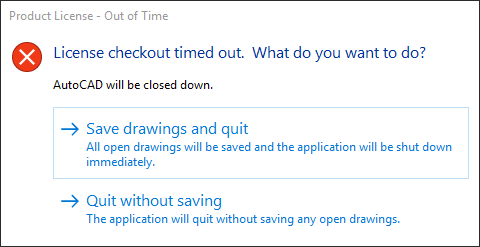
Product License - Out of Time
License checkout timed out. What do you want to do?
AutoCAD will be closed down.
Verify that the Autodesk Desktop Licensing Service is running:
- Click the Start menu (or right-click Start on Windows 10) and choose Run.
- In the Run box, type services.msc.
- In the Name column of the Services console window, find the Autodesk Desktop Licensing Service and check that its status is Running. If it is not running, right-click it and select Start.
- If an "Error 1053" is shown, see "The service did not respond to the start or control request in a timely fashion" when launching a 2020 Autodesk product.
- Right-click the service name and select Properties.
- Change the Startup Type menu to "Automatic (Delayed Start)" and then click OK

No comments:
Post a Comment